This was caused by an error I made when converting old code during the constraints recode 2. As a result, constraint subtargets got cleared, messing up proxies.

(set_constraint_target didn't use to clear the subtarget of a constraint when passed NULL for the subtarget argument)
* added support for .dds image files
* added support for .int, .inta and .rgba image files

== MSVC 7.1 project files ==
* added WITH_DDS to support .dds files when compiling with the project files by default
* added the dds source files to imbuf project
* also added CMP_glare, CMP_lensdist, CMP_tonemap nodes to nodes.vcproj
layerMask access for pose bones, even though this is a Bone property, its much more convenient to add access from the poseBone, it also matches how the
user interface works.
----------
Document Peter's fps_base attribute for scene rendering objects; also remove
framesPerSecBase() method (preference is to add only attributes, and he did
add fps_base attribute).
Curve select lasso and border didnt work with hide handles enabled.

Hiding handles was using the scene->selectmode variable, but looking at this now, I see there are places where selectmode is compared with
SCE_SELECT_VERTEX, EDGE, FACE etc. as well as being.
Better to use a global flag, same as G_DRAWFACES.
This is not good since anyone using this in the few days will have an invalid selectmode variable. simple way to fix is to change modes, so do_versions shouldnt be needed.
* when setting the face, images with alpha's will set the texface's alpha option.
* added a draw even to redraw view3d and uv/image view - so the Draw Faces button redraws properly.
* made a macro for checking if the object will draw with textures
* textured meshes in editmode only draw a selected face overlay (otherwise the entire mesh would get a plue tint wich isnt
nice for viewing textures), the selected highlight is still there, this is how Face/UV mode looked.
* Alpha clipping STILL had a case where it wasnt disabled and the interface had its alpha clipped, this should be fixed now.
added an option to reload selected strip data (Alt+R - same as reloading images in the imaeg
viewer)
made the sequencer max memory limit 16gig for 64bit's.
This is a new feature that can make using AO a lot more attractive when rendering
animations with vector blur. It uses the speed vector info calculated in the 'Vec'
speed vector pass, in order to reduce AO samples where pixels are moving more
quickly. There's not much point calculating all those AO samples when the result is
going to be smeared anyway, so you can save a bit of render time by doing
a more noisy render in those areas.
You can use this with a new slider in the Adaptive QMC settings 'Adapt Vec'. The
higher the value, the more aggressively it will reduce samples. 0.0 means no
reduction, and 1.0 reduces one sample per pixel of average displacement for that
pixel. 0.25 or so generally gives decent results, but it depends on how fast things
are moving.
Here's a demo (compare the final blurred result, and render times):
http://mke3.net/blender/devel/raytracing/adapt_speed_off2.jpghttp://mke3.net/blender/devel/raytracing/adapt_speed_on2.jpg
And a less contrived example, a short clip from macouno's 'petunia' bconf animation:
http://mke3.net/blender/devel/raytracing/petunia-adaptvec-noblur-h264.movhttp://mke3.net/blender/devel/raytracing/petunia-adaptvec-blur-h264.mov
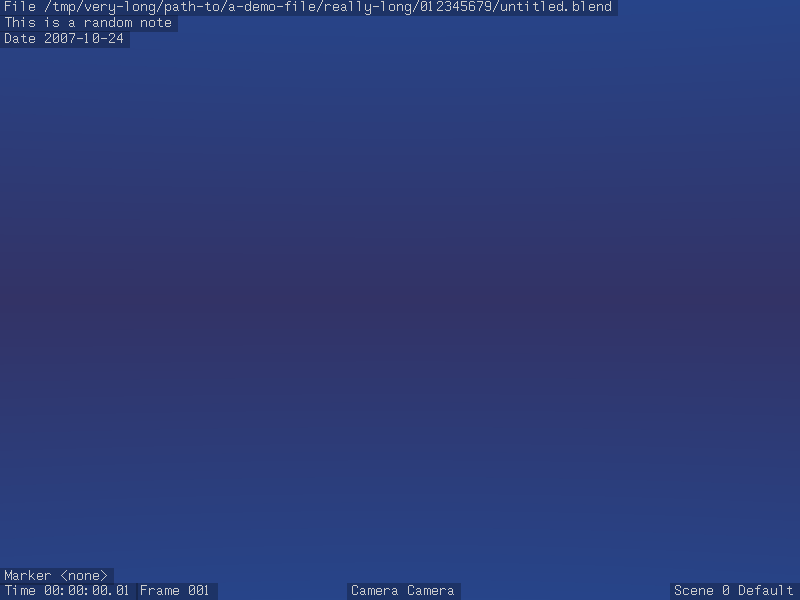
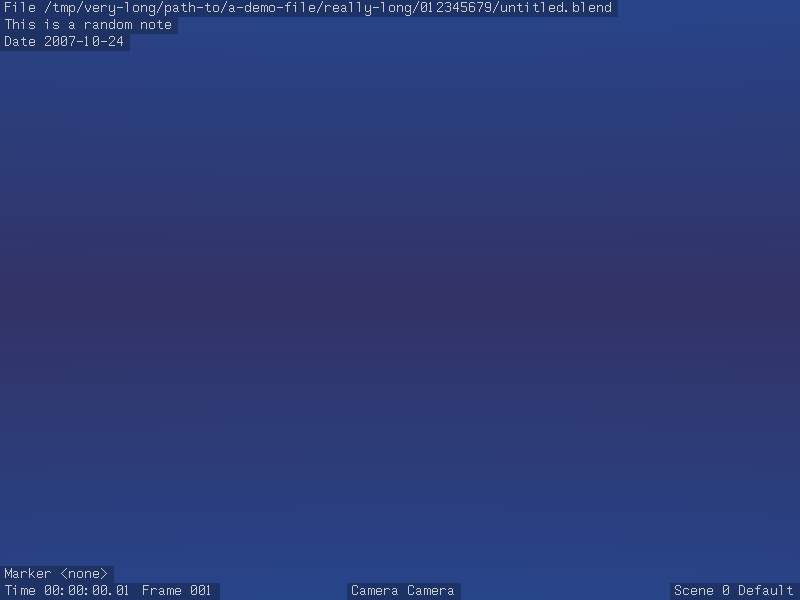
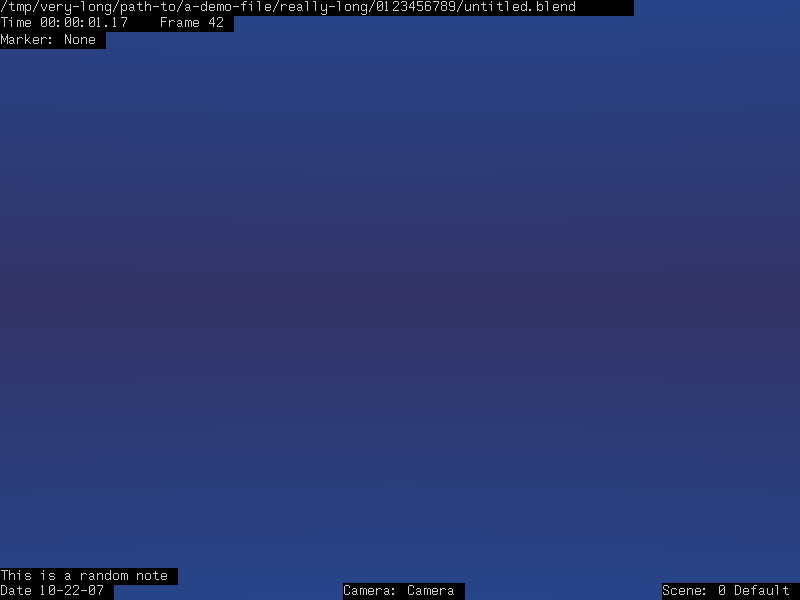
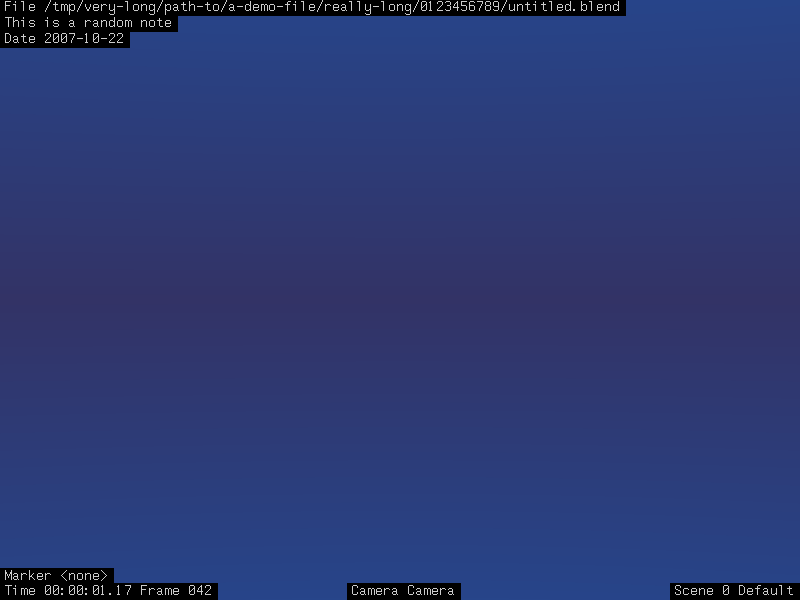
The list of changes (some are fixes):
- Properly horizontally centered tags in all fields (bug?).
- File area does not have trailing space and has leading "File " at
start instead (probably a bug).
- Small separation between to time related fields, space saving.
- Removed colons, for consistency and space saving again.
- Frame field is zero aligned for higher visual stability.
- Marker name shows a rarer name, "<none>" (using <> is typical for cases
in which there is nothing: <none>, <empty>, <blank>, etc).
- Top area for misc info that can be really long (file, note and render date).
- Bottom area for more constantly changing but short ones (marker, SMPTE,
frame, camera and scene).
- Only render date moves a line (when note field is not used), and frame one
moves if no SMPTE (still in same line, so no big jump), for extra visual
stability (marker is fixed, assuming most people would show frame and or
SMPTE).
- ISO 8601 date format for render date, localization independant.
Comparision images:
http://www.infernal-iceberg.com/blender/stamp-original.pnghttp://www.infernal-iceberg.com/blender/stamp-cleanup.png
* Fixed crash that occurs when using an unknown constraint type or a Null constraint - missing NULL check
* ClampTo constraint now draws ok again
* Null constraints now get drawn in the stack again
I've finally traced down the causes of several of the bugs which caused PyConstraints to work incorrectly (or not at all).

* Freeing is now done using BLI_freelistN inside the pycon_free function, instead of looping through the targets ourselves. This fixes all of those Memblock free: pointer not in list errors.
* BPY_pyconstraint_update now correctly creates/frees the constraint's targets as needed. Previously, it was creating/removing the wrong number of targets. Also, pyconstraints no longer get disabled when using armatures (not bones)
* The panel drawing was also not working right, as there were still some offset issues.
This occurred when using qmc shadows, full OSA, and sss - it was
assuming full OSA was being used, even when (during the SSS prepass)
osa is set to 0.

Fixed by tightening up the checks for full OSA.
To test for this in Blender, just add text, TAB out of edit mode, then convert to mesh ( ALT+C ), and press P for the game engine.  Alternatively select Textured Draw Mode.  You'll notice that the text is only visible from the back.  This patch reverses this, to be more correct.

Based on discussions on IRC, I'm now trying to fix another aspect of the extrude code - the fact that the faces at the front and back of the extruded curve face the same way ( ie one of them will be wrong ).  I'll keep working on this, but if someone can help out, feel free!
* Removed the old get_con_subtarget_name function and fixed the places that used it. This was only suitable for single-target constraints.

* PyConstraints interface drawing should now no longer draw multiple-target fields on top of each other

* Removed double call to BPY_pyconstraint_update when the Update button was clicked. I found this while debugging why PyConstraints didn't seem to be working yet...
* DNA_action_types.h - fixes for typos that broke compiling (own error)

* transform.c - fix for implicit definition of a function (missing header)

* outliner.c - commented out a few unused vars (as a result of constraints refactor)

* editsima.c - fixed uninitialised var warning

* drawview.c - bugfix #7598 load without ui crashes if there is no camera. Patch provided by Daniel Genrich (genscher)
Once again, I've recoded the constraints system. This time, the goals were:
* To make it more future-proof by 'modernising' the coding style. The long functions filled with switch statements, have given way to function-pointers with smaller functions for specific purposes.
* To make it support constraints which use multiple targets more readily that it did. In the past, it was assumed that constraints could only have at most one target.

As a result, a lot of code has been shuffled around, and modified. Also, the subversion number has been bumped up.

Known issues:
* PyConstraints, which were the main motivation for supporting multiple-targets, are currently broken. There are some bimport() error that keeps causing problems. I've also temporarily removed the doDriver support, although it may return in another form soon.
* Constraints BPy-API is currently has a few features which currently don't work yet
* Outliner currently only displays the names of the constraints instead of the fancy subtarget/target/constraint-name display it used to do. What gets displayed here needs further investigation, as the old way was certainly not that great (and is not compatible with the new system too)