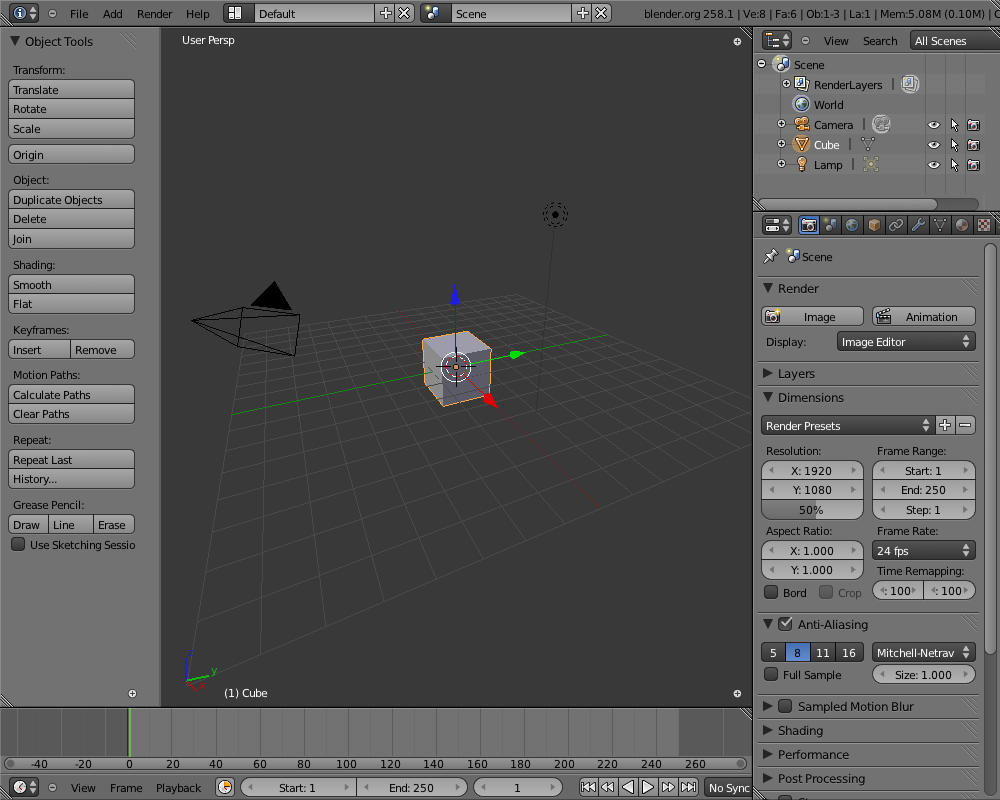
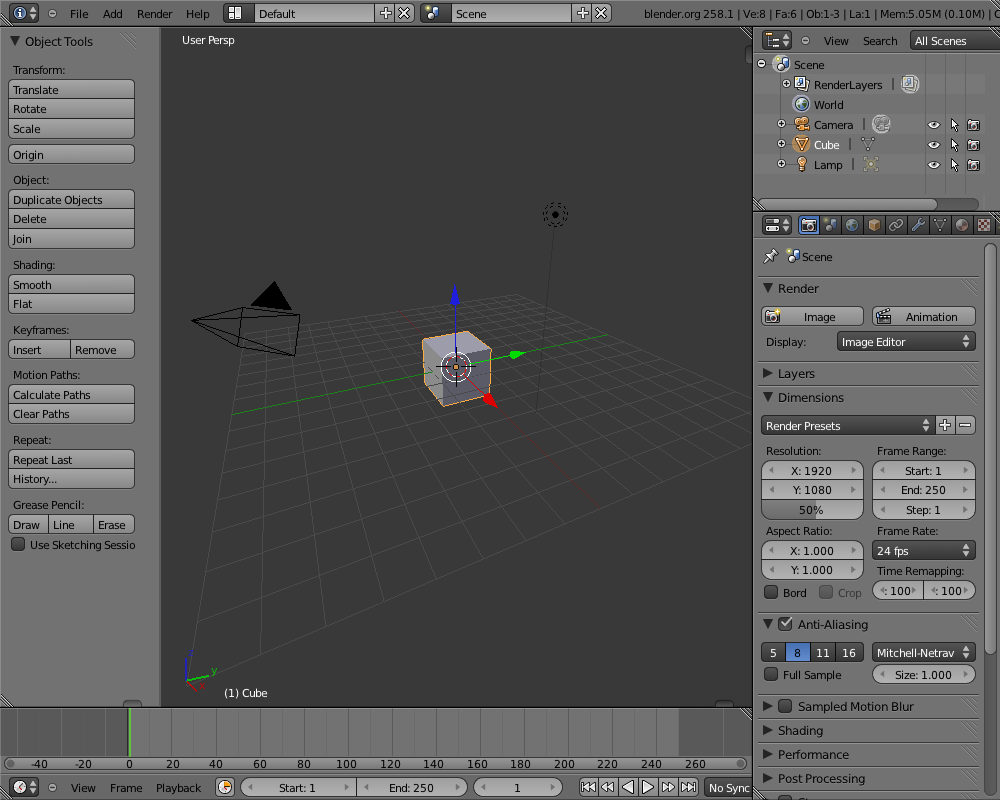
Closed regions didn't always draw the (+) icon right place, confusing
for users.
Next to that, I think this icon is using a bad metaphor or visual language,
Illustrated best if you close a header in outliner or buttons. Icons are
UI widgets, for screen/editor layouts different controls can be stylized.
My preference is something that aligns visually to the seperators between
regions; for testing and hacking pleasure I've added two quick versions,
a small tabbish thing and a triangle. Enable these with debug menu,
ALT+CTRL+D, values 1 or 2.
This is simply drawn with opengl now. An image for it can be made as well.
Previews:
http://www.blender.org/bf/closed_regions1.pnghttp://www.blender.org/bf/closed_regions2.pnghttp://www.blender.org/bf/closed_regions3.png
There's other design ideas to explore as well, like making region deviders
8-10 pixels wide, with a 'drag me' dot on it or so. That takes some screen
estate though, and will require to add big editor-dividers too...
Fun stuff for the mockup-mafia to check on, we have time :)
added 'INTERNAL' operator flag so operators which are only meant to be called by other operators or internal use are not displayed to the user.

Currently only use this flag for the operator search toolbox, is ignored in debug mode.
flag on ED_area_initialize(). This however was causing 2 problems;
- the view state got reset (popping window view back)
- the view2d operator polls failed (sliders didnt work)

This re-init was only needed for the headers though, limiting it
to these types of regions solves it.
- fix: user pref, window title was reset to 'Blender' on tab usage

- Undo history menu back:
  - name "Undo History"
  - hotkey alt+ctrl+z (alt+apple+z for mac)
  - works like 2.4x, only for global undo, editmode and particle edit.

- Menu scroll
  - for small windows or screens, popup menus now allow to display
    all items, using internal scrolling
  - works with a timer, scrolling 10 items per second when mouse
    is over the top or bottom arrow
  - if menu is too big to display, it now draws to top or bottom,
    based on largest available space.
  - also works for hotkey driven pop up menus.

- User pref "DPI" follows widget/layout size
  - widgets & headers now become bigger and smaller, to match
    'dpi' font sizes. Works well to match UI to monitor size.
  - note that icons can get fuzzy, we need better mipmaps for it
blender_add_lib now takes a separate include argument to suppress warnings in system includes (mostly ffmpeg & python).
also only build wm_apple.c on apple+carbon configuration.
On anim-render, a click in timeline stopped render completely.

The reason for this was a bit wacko code to cope with frame-step
feature (steps of multiple frames).

I thought of fixing that, but instead decided to block any operator
in Blender to change a frame while a render is in progress.
Both render engine and UI are accessing (writing to) the same
data then, which is a bad conflict.

Still a serious weakness of threaded render, but I'll keep
trying to allow this as far as possible :)
If greasepencil became active, making Blender area full or restore
screen from full, the greasepencil handler was still running, using
outdated area pointer. This crashed Blender.

Now greasepencil modal() ends on the case its own stored area does
not exist anymore.